The short answer
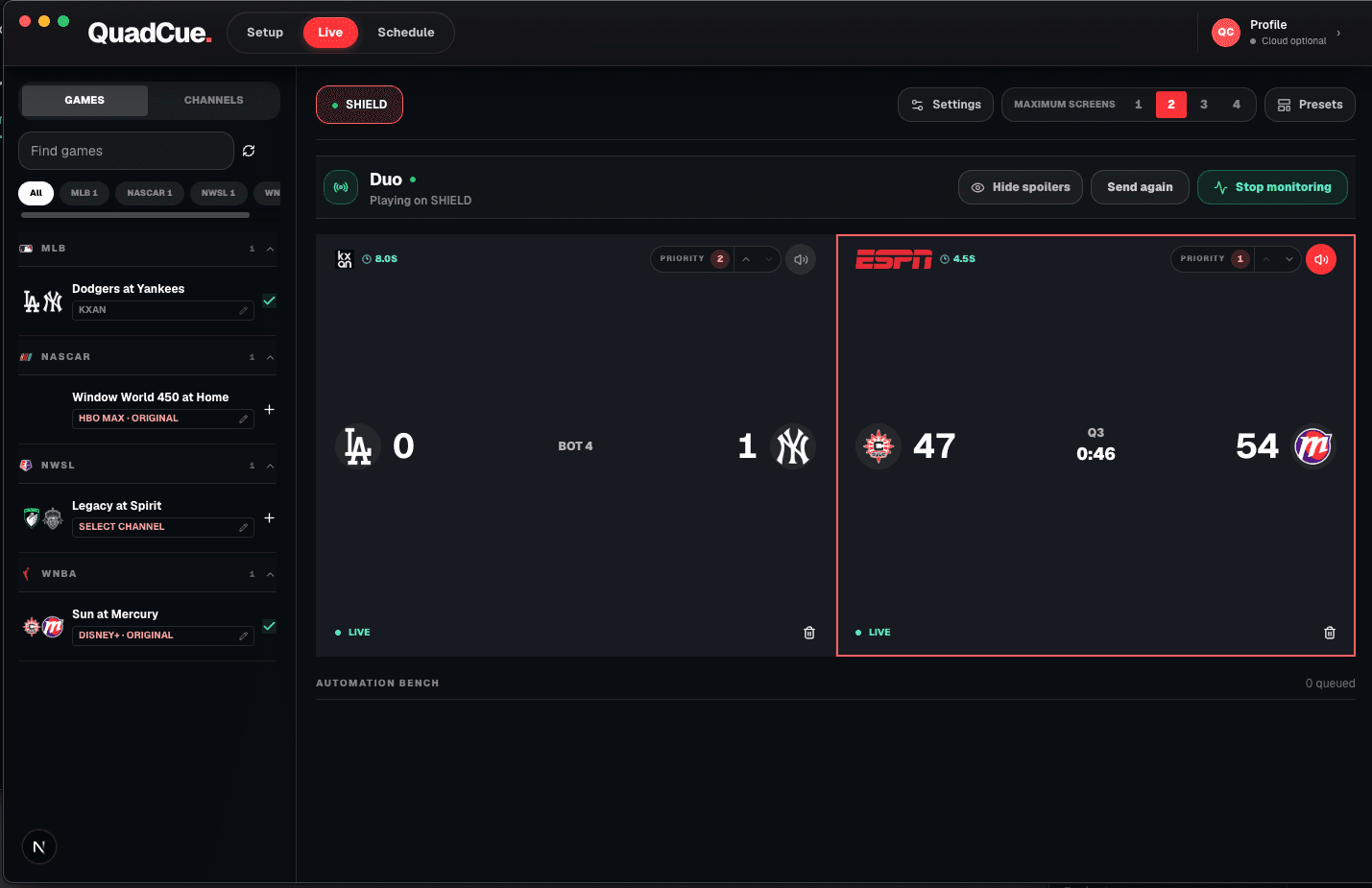
Keep one live game audible, mute feeds that enter commercial breaks, and start music when every monitored game is at break. QuadCue automates this audio focus without removing advertisements from the video stream.
Why manual muting breaks down
Commercial breaks do not start together. With several games, the viewer must constantly decide which feed is live and which remote controls its audio.
Let live action win
The clearest rule is simple: if any monitored game is live, that live game should own the room’s audio.
When every game is at break
When no monitored game has live action, QuadCue can start Spotify so the room does not sit inside a stack of advertisements.
Return with the game
When play resumes, QuadCue returns focus to live action according to the saved slate and priorities.
Optional receiver hardware
Use the screen you own. Add a receiver only if you need one.
QuadCue works with TV-class sessions, so there is no reason to replace compatible hardware. These links are shortcuts for adding a supported receiver to another screen.
As an Amazon Associate I earn from qualifying purchases.
Roku Express 4K+
A compact option for adding a TV-class Roku session to an existing screen.
View on Amazon 02Low-profile 4K stickRoku Streaming Stick 4K
A portable Roku receiver for screens where a box would add unnecessary clutter.
View on Amazon 03Fire TV receiverFire TV Stick 4K
A 4K Fire TV option that runs the television version of supported streaming apps.
View on AmazonAmazon controls product details, availability, and checkout. QuadCue does not show copied prices or ratings.
Set audio rules before the first break
Choose one system to produce room audio and mute the television speakers that are not part of that path. Competing speakers create echoes, different delays, and a much worse experience than simply leaving the secondary displays silent.
Decide how quickly the room should move away from a break. A short transition prevents rapid switching during brief stoppages, while a longer threshold may leave an advertisement audible. The right balance depends on the sport and the reliability of its state data.
Use a dedicated Spotify playlist with a predictable volume level. Test it against the game feed so music does not arrive much louder than commentary. A consistent handoff should feel intentional rather than like another source fighting for attention.
Halftime and intermission should remain visible as their real states even when they receive commercial-style audio treatment. Honest labels make it easier to understand why the system acted and to override it when a studio segment is worth hearing.
Frequently asked questions
Does QuadCue remove ads from the stream?
No. QuadCue changes audio focus and game placement; it does not alter the provider video stream.
Does QuadCue work on phones or tablets?
No. Current YouTube TV control is designed for TV-class apps and consoles.