Three games begin
LIVECore loads the saved slate
The control layer for live sports
Never listen to an ad again on game day.
Choose the games once. QuadCue monitors the slate, moves games across your screens, keeps live action audible, and starts Spotify when every game is at break.
First integration: YouTube TV. More providers are planned.
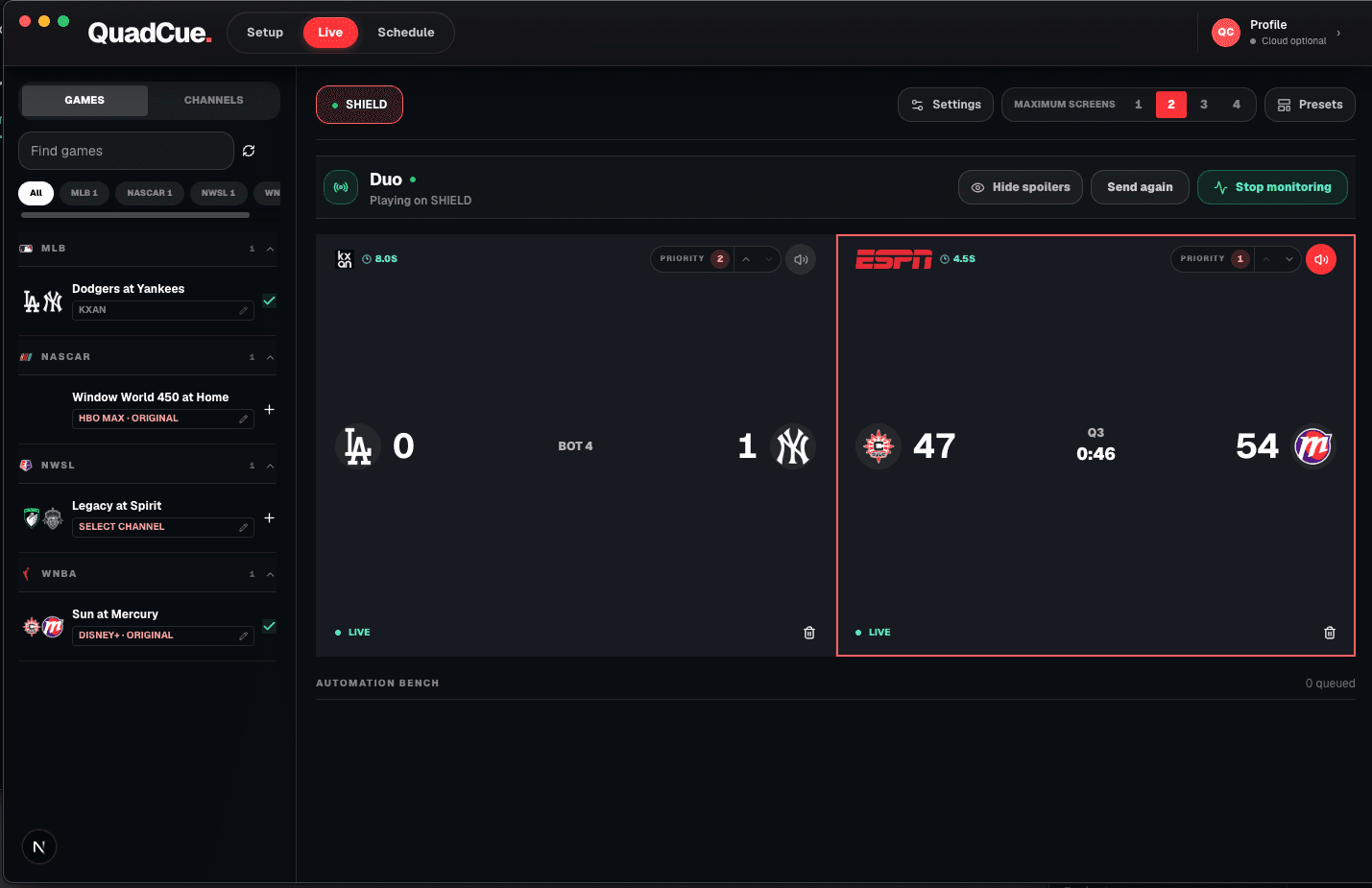
One afternoon with QuadCue
Core loads the saved slate
The live game keeps the audio
Spotify takes over the room
The best live game comes back
What you do
Build the day on desktop, map each game to its channel, set priorities, and start monitoring.
See the scheduler →What Core does
Core watches game state continuously and operates the active provider as live action, commercials, halftime, and finals change.
See the automation →The first complete provider adapter: scheduling, multiview operation, audio focus, game movement, and finals cleanup.
See the first integration →ESPN, Peacock, and additional services will plug into the same game-day Core as support expands.
See integrations →Private beta
Join the waitlist. We will notify you when access opens.