Multiview and audio control
Four games can share the screen. Only one should own the room.
QuadCue moves selected games through the active provider layout and keeps audio on the live action that matters most.
Join the waitlist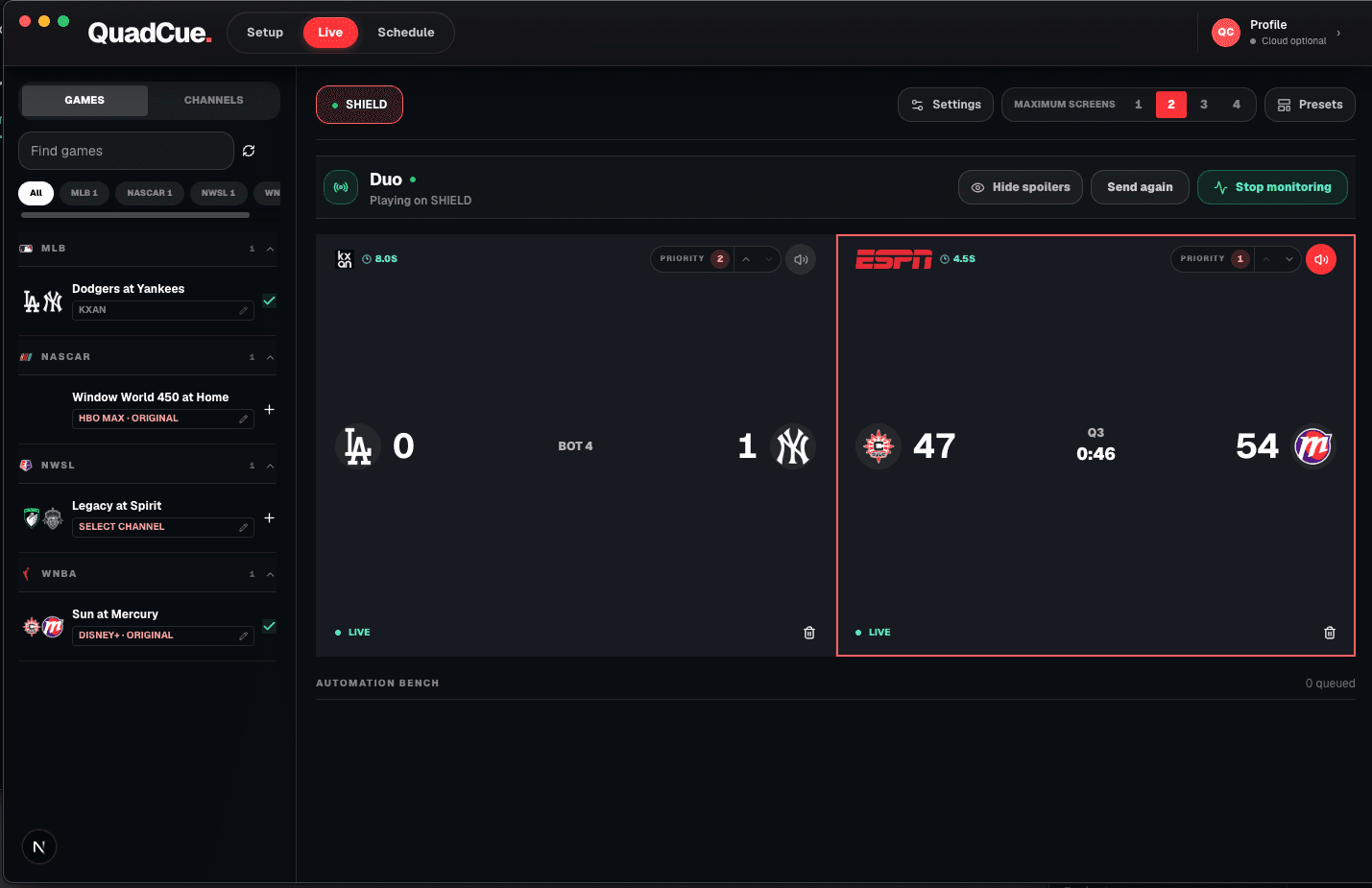
What Core controls
The full working slate.
01
Game placement
Move selected games into the active layout.
02
Priority
Keep the highest-value live action in view.
03
Audio focus
Choose the live feed the room should hear.
04
Break response
Move away from noise and into live play.
05
Final cleanup
Remove completed games from the working set.
TV-class YouTube TV
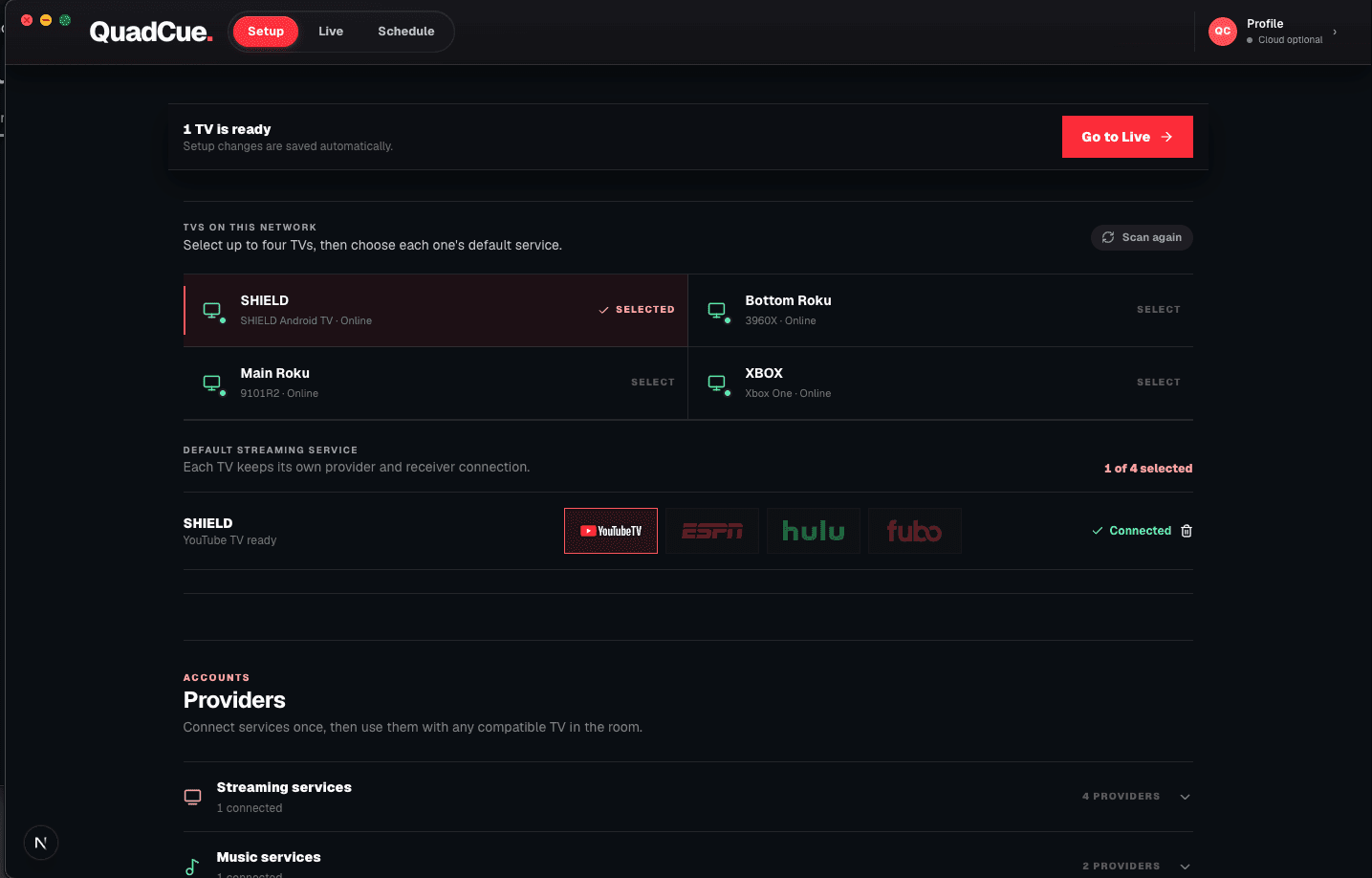
The brand on the bezel does not matter.
Control follows the YouTube TV big-screen session. Optional hardware actions such as launching the app or changing physical volume can vary by receiver.
- Smart-TV apps
- Streaming boxes and sticks
- Game consoles
- No phone or tablet sessions
Private beta
Be first in line.
Join the waitlist and be the first to experience game day without the noise.