YouTube TV automation
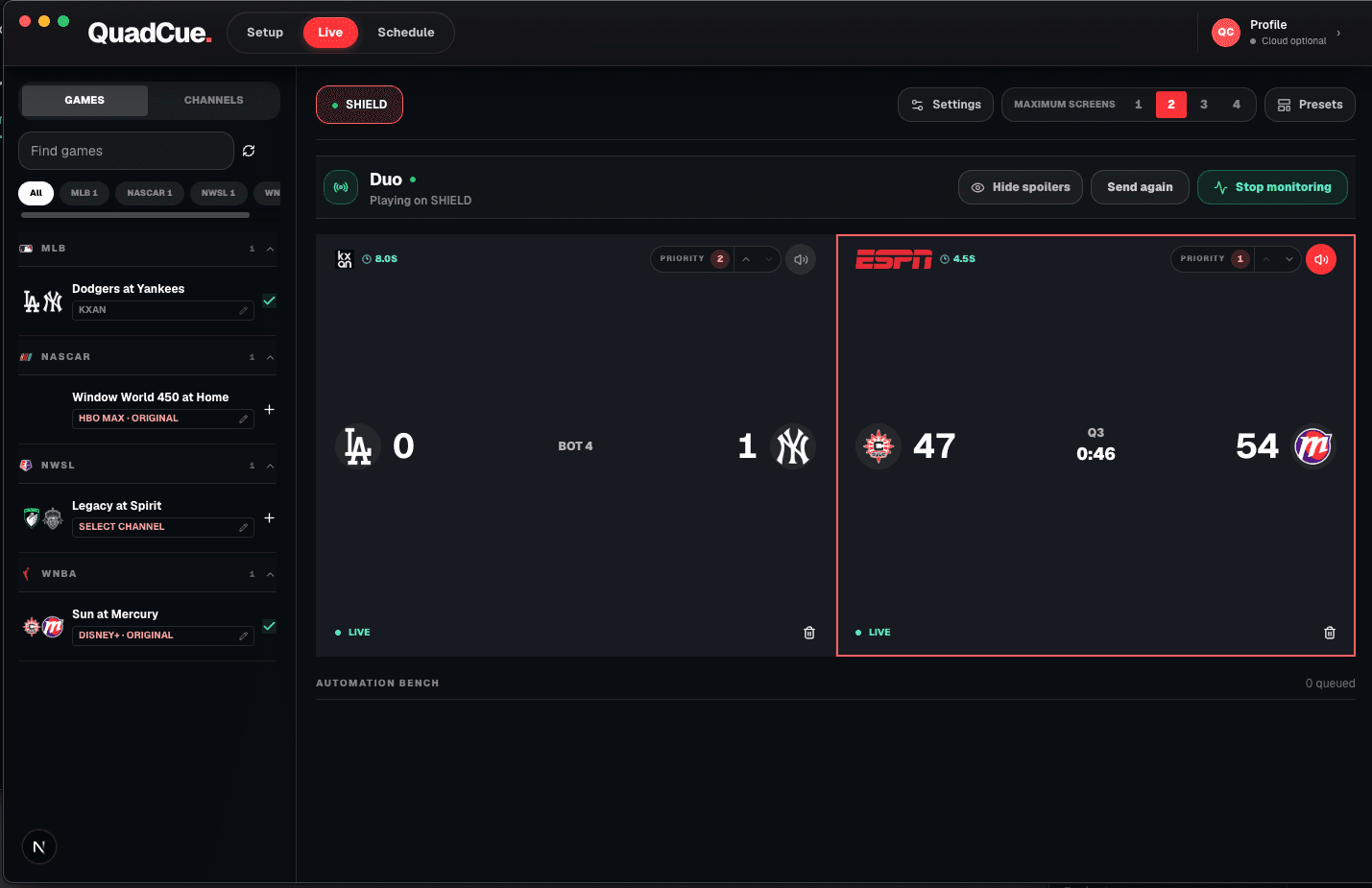
Multiview gives you four games. QuadCue keeps the right four there.
YouTube TV builds the multiview. QuadCue schedules and operates it as games start, break, resume, and finish.
The difference
Native multiview is the layout. QuadCue is the operator.
Manual multiview
- You build the view
- You watch every game state
- You move games manually
- You decide which audio stays live
- You clear games when they finish
QuadCue automation
- Schedule the entire lineup
- Monitor every selected game
- Move games as states change
- Keep the right game audible
- Remove finals from the slate
Continuous control
Schedule once. Monitor continuously.
Watch game state
Track live action, breaks, halftime, delays, and finals.
Move live games
Keep the strongest live action in the active view.
Remove finals
Clear completed games from the working slate.
Control audio
Mute commercial feeds and return sound with play.
Rebuild the view
Keep the multiview aligned with the day’s plan.
Big-screen sessions
One account. Every TV-class screen.
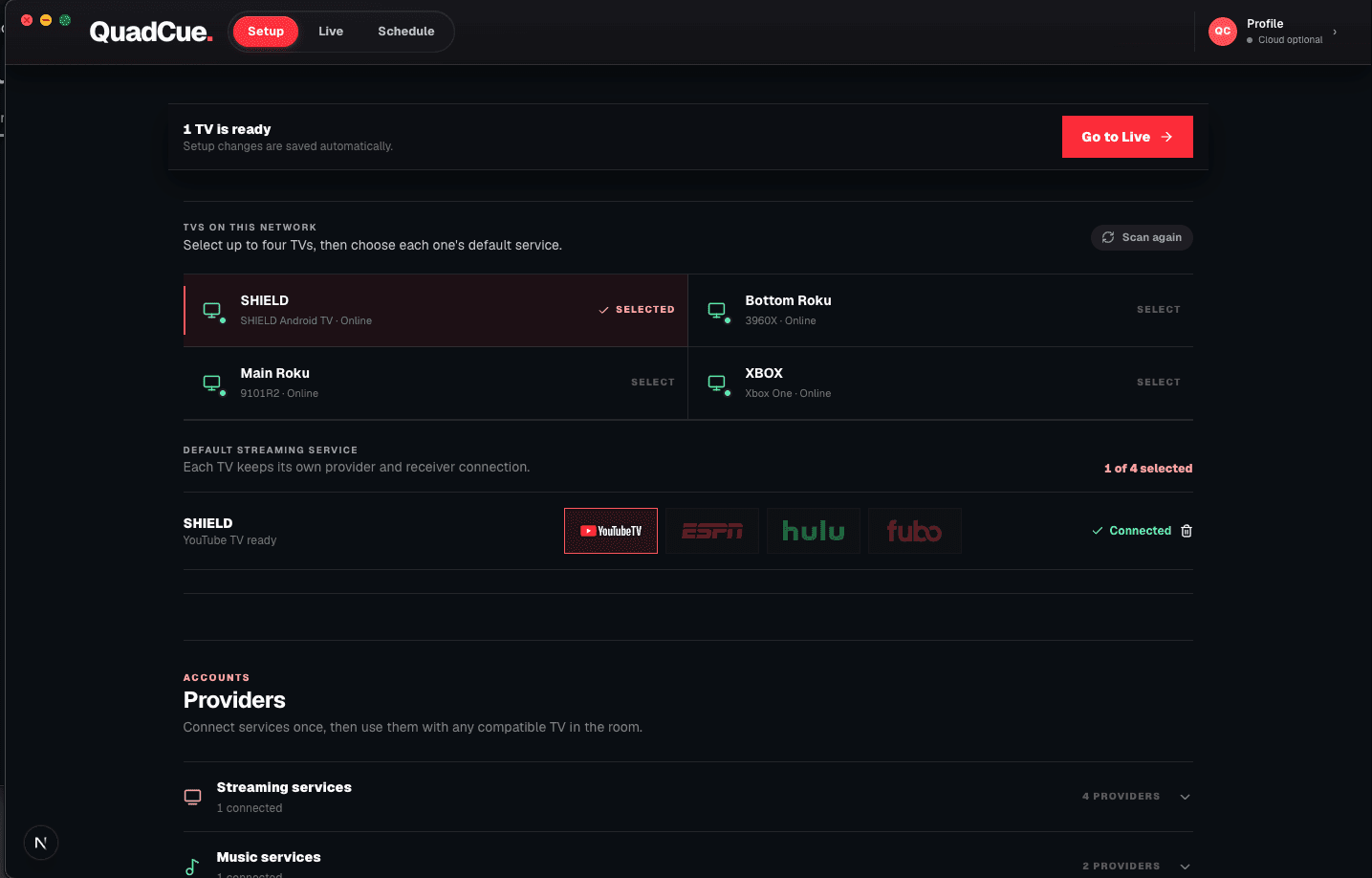
QuadCue controls the YouTube TV big-screen experience attached to your account. The television brand is not the deciding factor—the YouTube TV session class is.
- Smart-TV apps
- Streaming boxes and sticks
- Game consoles
- Phones and tablets excluded
QuadCue does not remove ads from the video stream.
It moves audio away from commercial feeds and starts Spotify when all monitored games are at break. When live play returns, the room follows it.
FAQ
Clear answers.
Does QuadCue replace YouTube TV multiview?
No. YouTube TV provides the multiview. QuadCue operates the game-day workflow around it by scheduling, monitoring, moving games, and controlling audio.
Does QuadCue remove ads from the stream?
No. QuadCue moves audio away from commercial feeds and can start Spotify when every monitored game is at break.
Which YouTube TV devices work?
QuadCue works with TV-class YouTube TV apps and consoles. Phones and tablets are not supported.
Private beta
Be first in line.
Join the waitlist and be the first to experience game day without the noise.