Choose screensConnect screens through a supported provider.
2
Build the slatePick games, channels, and priorities.
3
Start monitoringCore takes the remote work from here.
Before kickoff
Build the full slate.
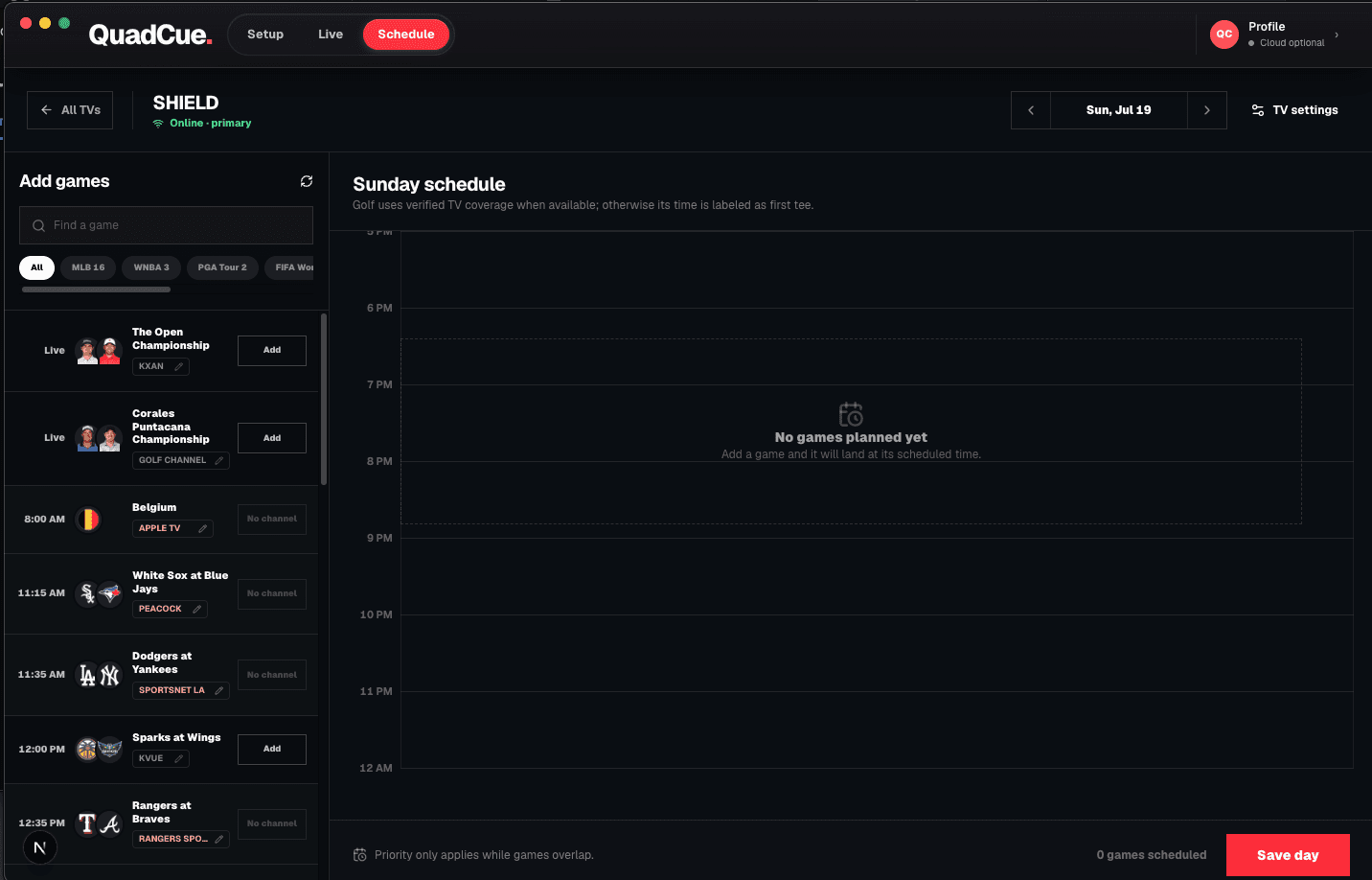
Schedule the games for one TV or a whole room. QuadCue checks start times, available channels, priorities, and conflicts before the day gets busy.
Choose games in advance
Map channels before kickoff
Set priority for overlapping action
Keep plans attached to the right screen
QuadCue Schedule workspace for planning a full day of games
After you press start
What Core does next.
03
Monitor
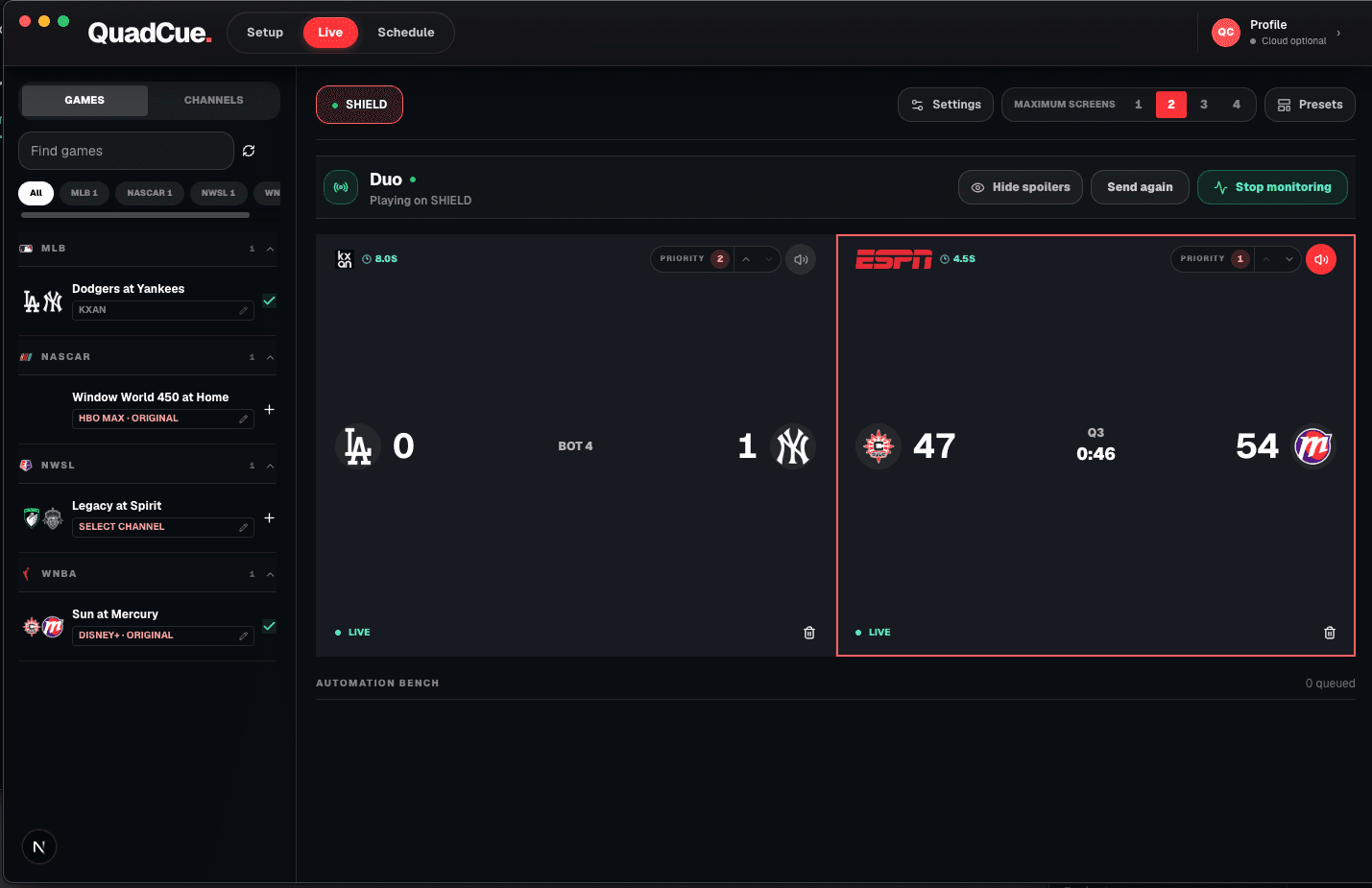
Click Start monitoring. QuadCue Core watches every selected game state in real time.
04
Direct
QuadCue moves live games, controls audio, rebuilds views, and keeps commercials from owning the room.
05
Clear
Final games leave the active slate so the screens stay focused on what is still live.
QuadCue Live workspace monitoring multiple games on YouTube TV
After monitoring starts
The remote is off duty.
QuadCue Core continues running even when you are not staring at the dashboard. It follows the game states you selected and keeps the room aligned with the plan.
Follow live action across the slate
Move away from commercial feeds
Return audio when play resumes
Remove games once they are final
What “commercial automation” means
QuadCue does not remove advertising from a video stream. It changes which game has the room’s attention, mutes commercial feeds, and starts Spotify when every monitored game is at break.
Private beta
Be first in line.
Join the waitlist and be the first to experience game day without the noise.