The short answer
Start with one primary screen, add secondary screens only for simultaneous games that matter, use TV-class YouTube TV sessions, and centralize the game-day plan and audio rules before adding more hardware.
Give every screen a job
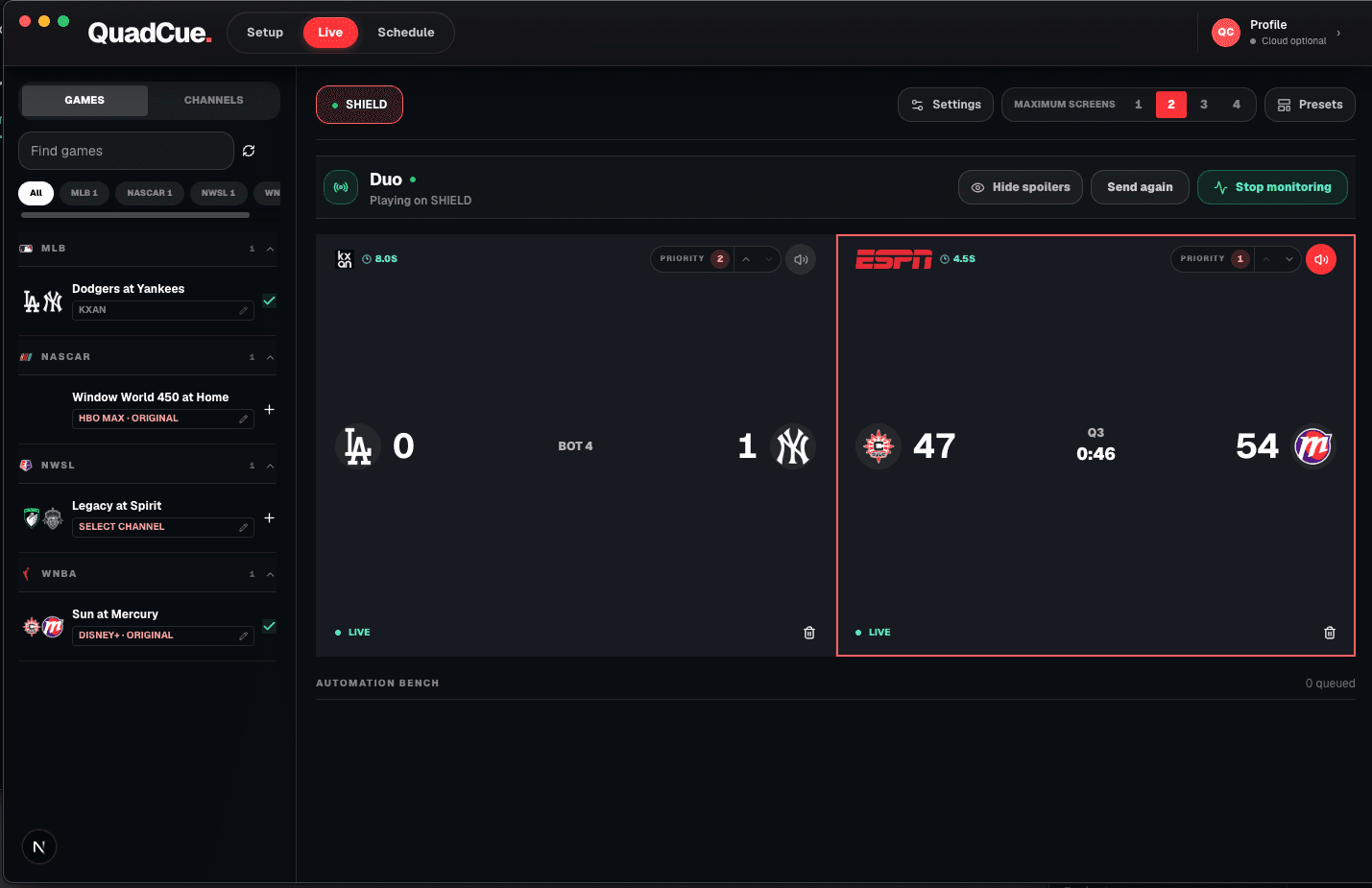
Make one display the primary game and use secondary screens for overlapping action. More screens without a priority system create more noise, not more coverage.
Use consistent big-screen sessions
A TV-class YouTube TV app is the important compatibility requirement. Receiver-specific launch and volume abilities can vary.
Treat the network as part of the room
Several live streams require stable bandwidth and dependable local connectivity. Wired connections are useful where practical.
Centralize the control workflow
Build one schedule and one set of audio rules instead of operating each television as a separate island.
Optional receiver hardware
Use the screen you own. Add a receiver only if you need one.
QuadCue works with TV-class sessions, so there is no reason to replace compatible hardware. These links are shortcuts for adding a supported receiver to another screen.
As an Amazon Associate I earn from qualifying purchases.
Roku Express 4K+
A compact option for adding a TV-class Roku session to an existing screen.
View on Amazon 02Low-profile 4K stickRoku Streaming Stick 4K
A portable Roku receiver for screens where a box would add unnecessary clutter.
View on Amazon 03Fire TV receiverFire TV Stick 4K
A 4K Fire TV option that runs the television version of supported streaming apps.
View on AmazonAmazon controls product details, availability, and checkout. QuadCue does not show copied prices or ratings.
Plan the hardware around the viewing position
Measure viewing distance before choosing screen sizes. The primary display should carry the matchup people will watch closely, while secondary displays can be smaller if they are mainly used to monitor other scores and late-game situations.
Give every receiver a stable network connection and a clear name. Wired Ethernet is ideal where it is practical, but strong Wi-Fi can work when access points are placed for the room rather than hidden behind televisions and cabinets.
Avoid relying on television speakers from several directions. Route sound through one receiver, soundbar, or selected display, then make the active feed a software decision. This keeps volume predictable as the visible slate changes.
Test app launch, navigation, and volume separately on each device. Provider control may be consistent across TV-class sessions while physical commands still depend on the receiver and television. Recording those limits prevents surprises when the room is full.
Frequently asked questions
Does QuadCue remove ads from the stream?
No. QuadCue changes audio focus and game placement; it does not alter the provider video stream.
Does QuadCue work on phones or tablets?
No. Current YouTube TV control is designed for TV-class apps and consoles.