The short answer
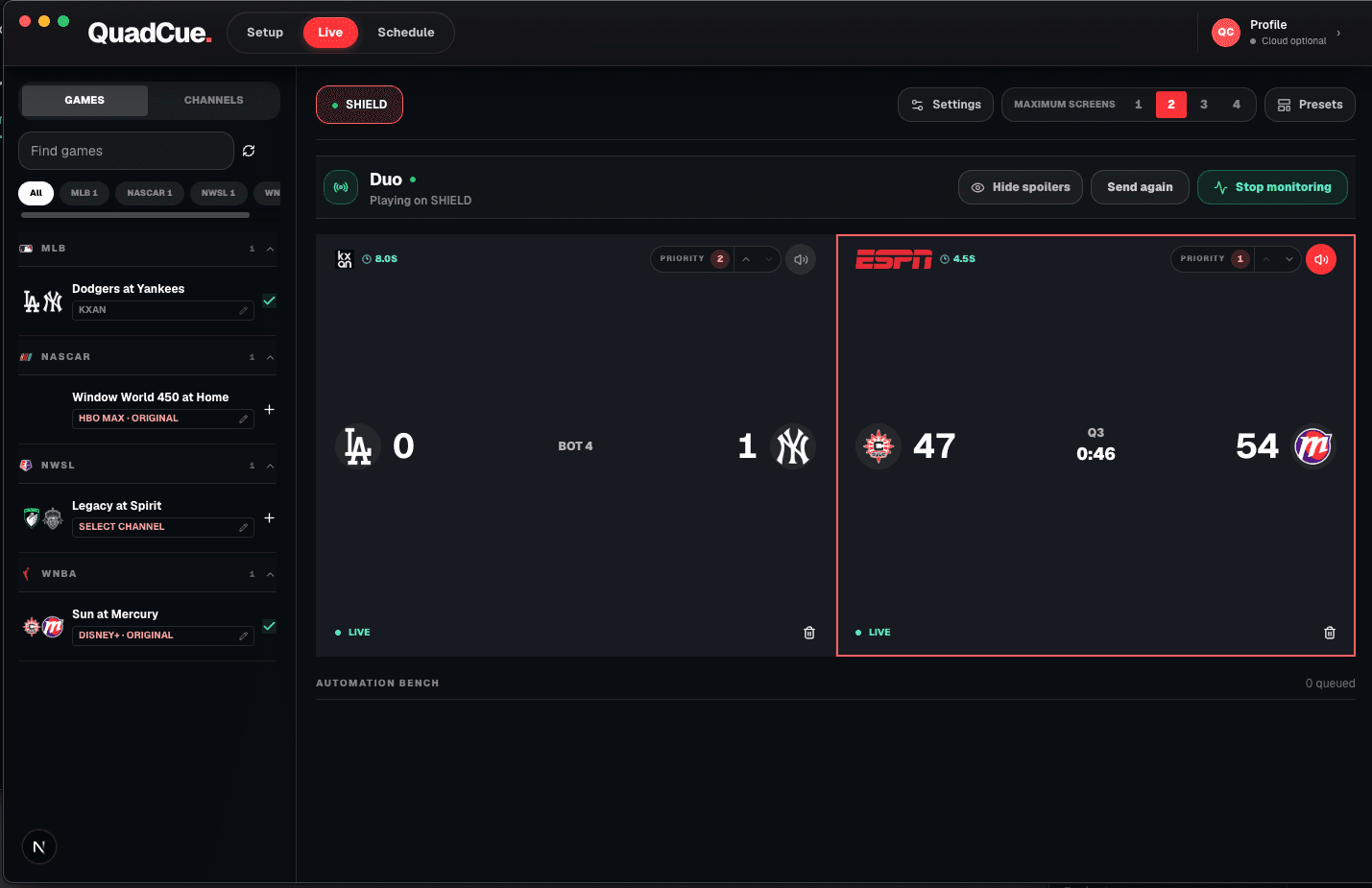
A strong home sports bar needs clear screen roles, a primary audio source, reliable TV-class streaming devices, and a repeatable schedule. Automation matters more than adding another remote.
Start with sightlines
Place the primary screen where everyone can see it comfortably, then use secondary screens for simultaneous games rather than duplicating the same feed.
Choose one primary sound source
Several televisions playing audio at once makes the room unusable. Define one active game and automate changes when game states move.
Create the day plan early
Confirm the games, channels, start times, and priorities before guests arrive.
Leave room for provider changes
Use flexible receiver and network choices so future ESPN, Peacock, or other provider integrations do not require rebuilding the room.
Optional receiver hardware
Use the screen you own. Add a receiver only if you need one.
QuadCue works with TV-class sessions, so there is no reason to replace compatible hardware. These links are shortcuts for adding a supported receiver to another screen.
As an Amazon Associate I earn from qualifying purchases.
Roku Express 4K+
A compact option for adding a TV-class Roku session to an existing screen.
View on Amazon 02Low-profile 4K stickRoku Streaming Stick 4K
A portable Roku receiver for screens where a box would add unnecessary clutter.
View on Amazon 03Fire TV receiverFire TV Stick 4K
A 4K Fire TV option that runs the television version of supported streaming apps.
View on AmazonAmazon controls product details, availability, and checkout. QuadCue does not show copied prices or ratings.
Design for people, not a wall of hardware
Place the main screen at a comfortable seated height and keep secondary displays inside the natural viewing arc. A dramatic wall can still be practical, but guests should not have to twist around every time another game becomes important.
Use lighting that can stay on during play without reflecting across the screens. Soft light behind or beside the viewing area makes food, conversation, and movement easier while preserving contrast on the displays.
Keep the control computer and network equipment accessible but out of the social space. The room should continue operating after monitoring starts; it should not feel like someone has opened a workstation in the middle of the party.
Create a short pregame checklist for channel access, device connectivity, audio level, and the day’s priorities. Repeating the same check is faster than diagnosing one forgotten login after several events have already started.
Frequently asked questions
Does QuadCue remove ads from the stream?
No. QuadCue changes audio focus and game placement; it does not alter the provider video stream.
Does QuadCue work on phones or tablets?
No. Current YouTube TV control is designed for TV-class apps and consoles.