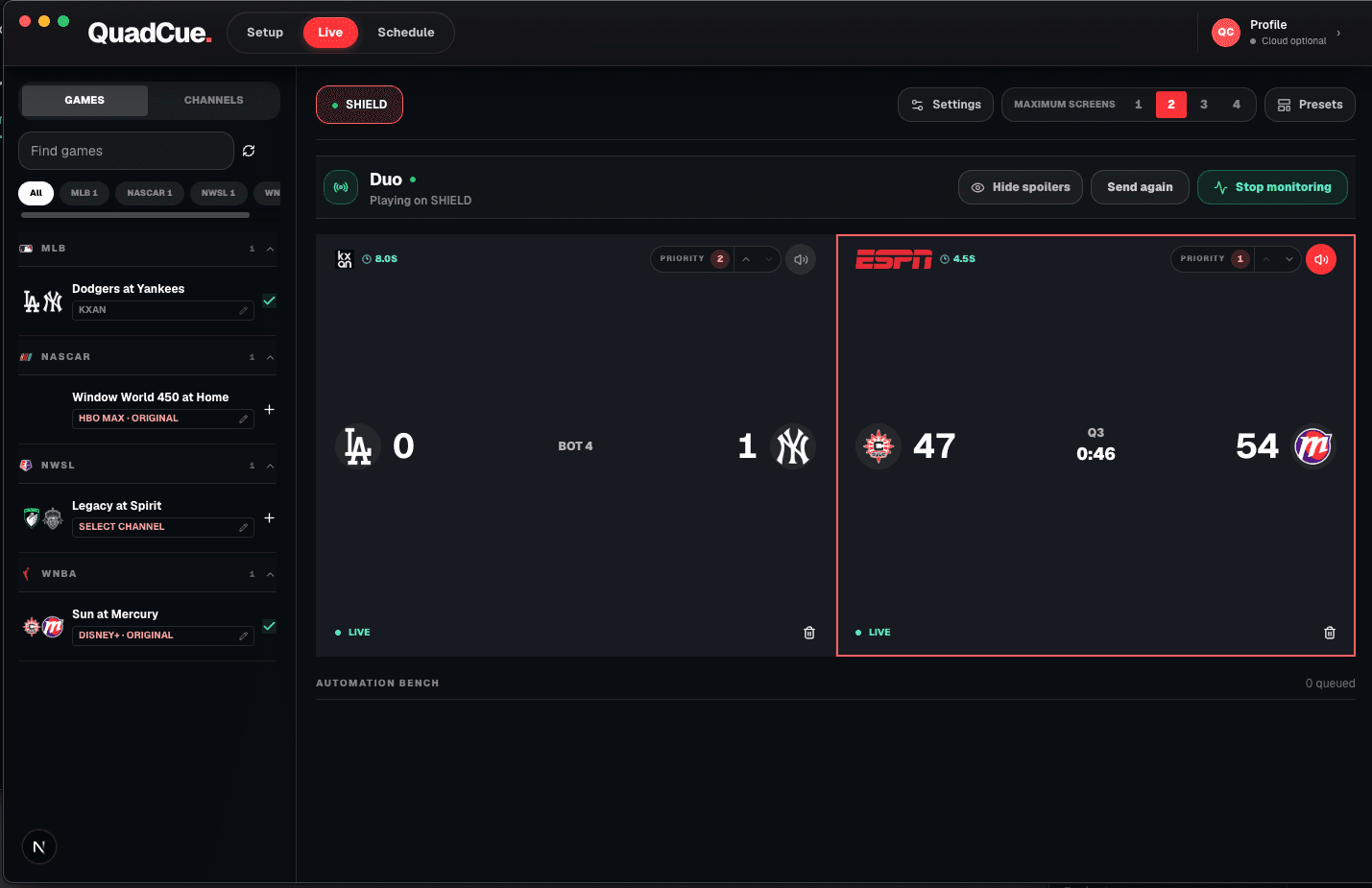
The short answer
Use one multiview for the busiest overlap, reserve another screen for the highest-priority game, and update the slate as finals and next-round games replace completed matchups.
Treat the first round as a schedule problem
The volume of simultaneous games makes advance planning more valuable than adding another remote.
Set upset and team priorities
Mark the games that should take audio or a primary screen when their state becomes important.
Handle halftime honestly
Halftime is labeled as halftime while being eligible for the same break-treatment rules.
Replace finals with the next game
Keep the working slate filled with active tournament games.
Optional receiver hardware
Use the screen you own. Add a receiver only if you need one.
QuadCue works with TV-class sessions, so there is no reason to replace compatible hardware. These links are shortcuts for adding a supported receiver to another screen.
As an Amazon Associate I earn from qualifying purchases.
Roku Express 4K+
A compact option for adding a TV-class Roku session to an existing screen.
View on Amazon 02Low-profile 4K stickRoku Streaming Stick 4K
A portable Roku receiver for screens where a box would add unnecessary clutter.
View on Amazon 03Fire TV receiverFire TV Stick 4K
A 4K Fire TV option that runs the television version of supported streaming apps.
View on AmazonAmazon controls product details, availability, and checkout. QuadCue does not show copied prices or ratings.
Survive the tournament overlap
Start with the official tip schedule and group games by the periods in which they genuinely overlap. Tournament start times slide as earlier games run long, so the plan should tolerate a delayed finish without losing the next matchup.
Reserve the primary screen for a favorite team or the most consequential finish. A multiview is excellent for discovery, but a one-possession game in the final minutes benefits from a larger picture and uninterrupted sound.
Use halftime as a real state in the interface. It may follow the same audio rule as a commercial break, yet labeling it correctly helps viewers understand whether the game is returning soon or has simply stopped for an advertisement.
As finals arrive, remove completed events and promote the next scheduled game. This keeps every tile useful and prevents the first-round wall from slowly filling with postgame coverage while live basketball continues elsewhere.
Frequently asked questions
Does QuadCue remove ads from the stream?
No. QuadCue changes audio focus and game placement; it does not alter the provider video stream.
Does QuadCue work on phones or tablets?
No. Current YouTube TV control is designed for TV-class apps and consoles.